Never miss an inversion
"Invert ×4" prompts arrive right on schedule with vibration and a spoken cue, even with the ringer off. The pattern changes with your developer temperature, and you get a warning to start draining before each step ends.

C41 Pro is the C-41 developing timer that counts your inversions for you. It calculates every tank's time, tells you what to pour, and cues each agitation out loud.
Coming soon to the App StoreFor the CineStill CS41 kit (liquid or powder) · iPhone · iOS 17 or later · No account, no ads, no tracking
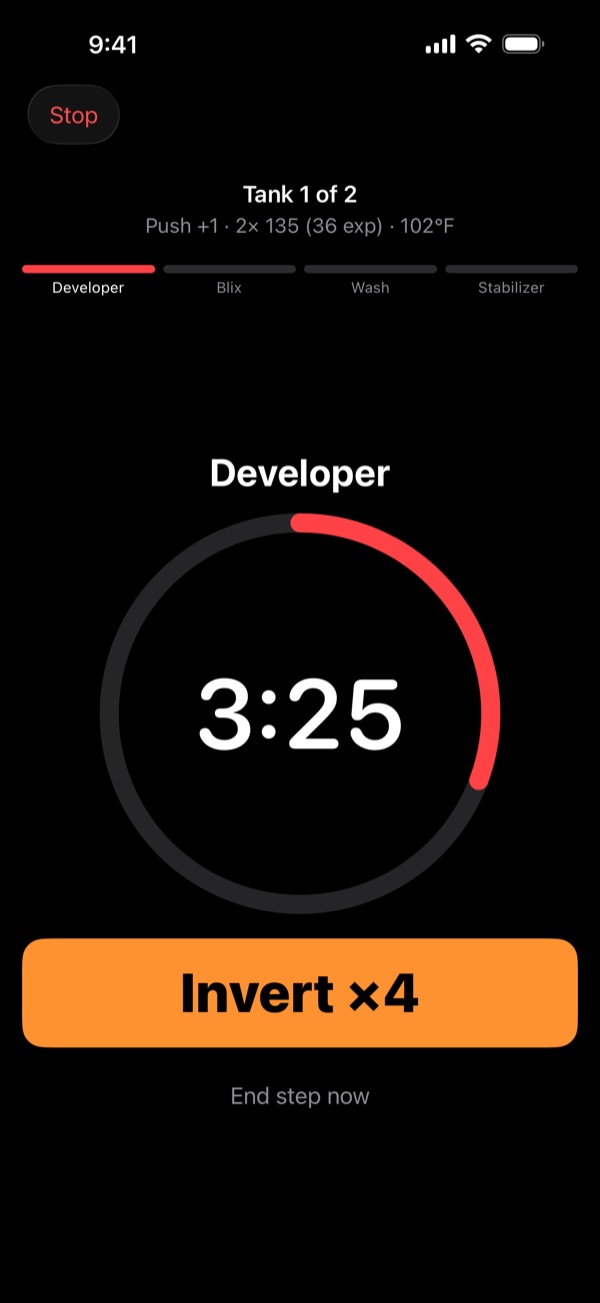
"Invert ×4" prompts arrive right on schedule with vibration and a spoken cue, even with the ringer off. The pattern changes with your developer temperature, and you get a warning to start draining before each step ends.
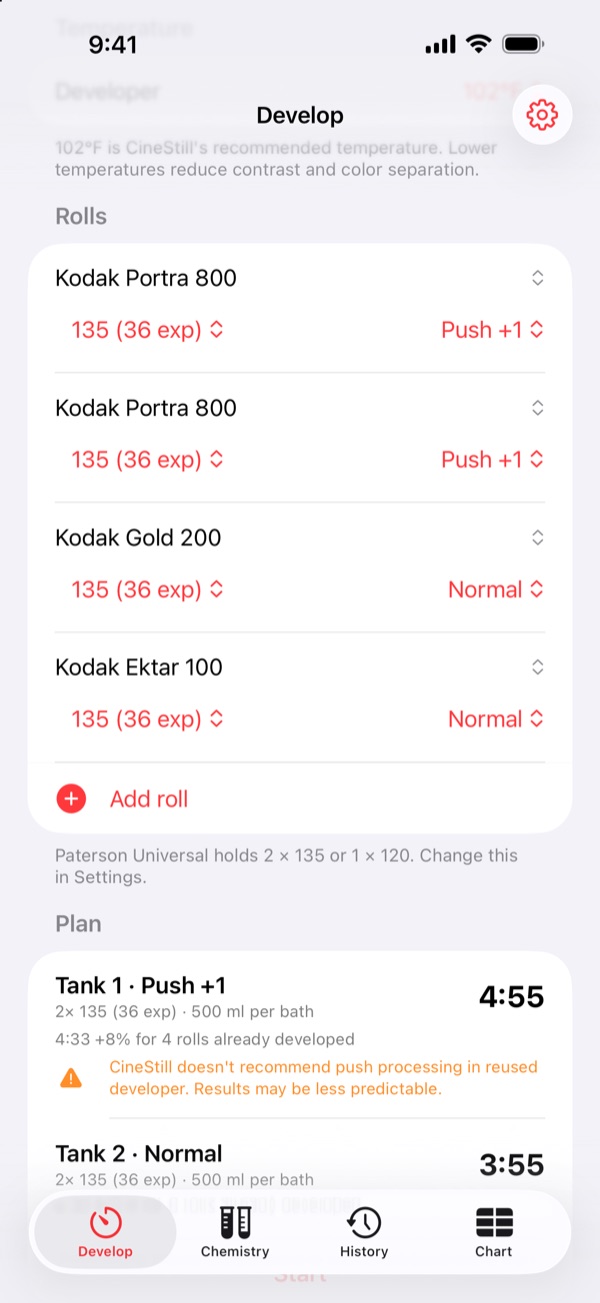
Mix pushed and normal rolls in one session. C41 Pro splits them into tank loads, develops pushed rolls first while the chemistry is freshest, and gives each tank its own exact time, from pull −1 to push +3.
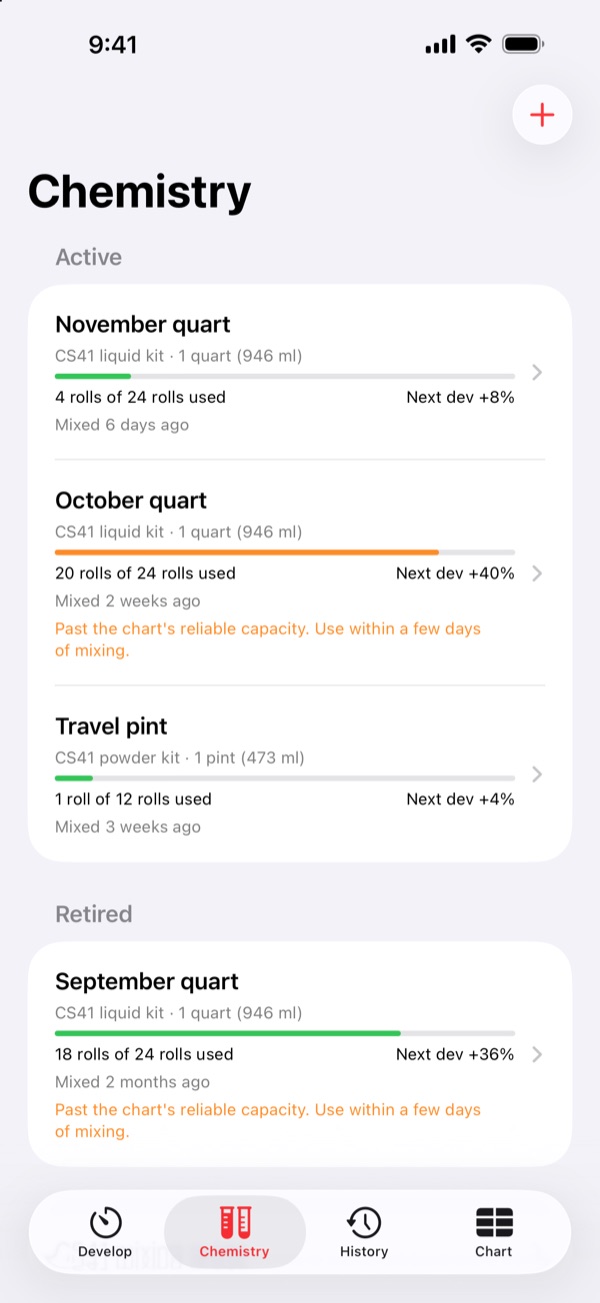
Every roll is logged against its chemistry batch. Developer time is extended automatically as the batch is reused, and you're warned as it nears capacity or gets old.
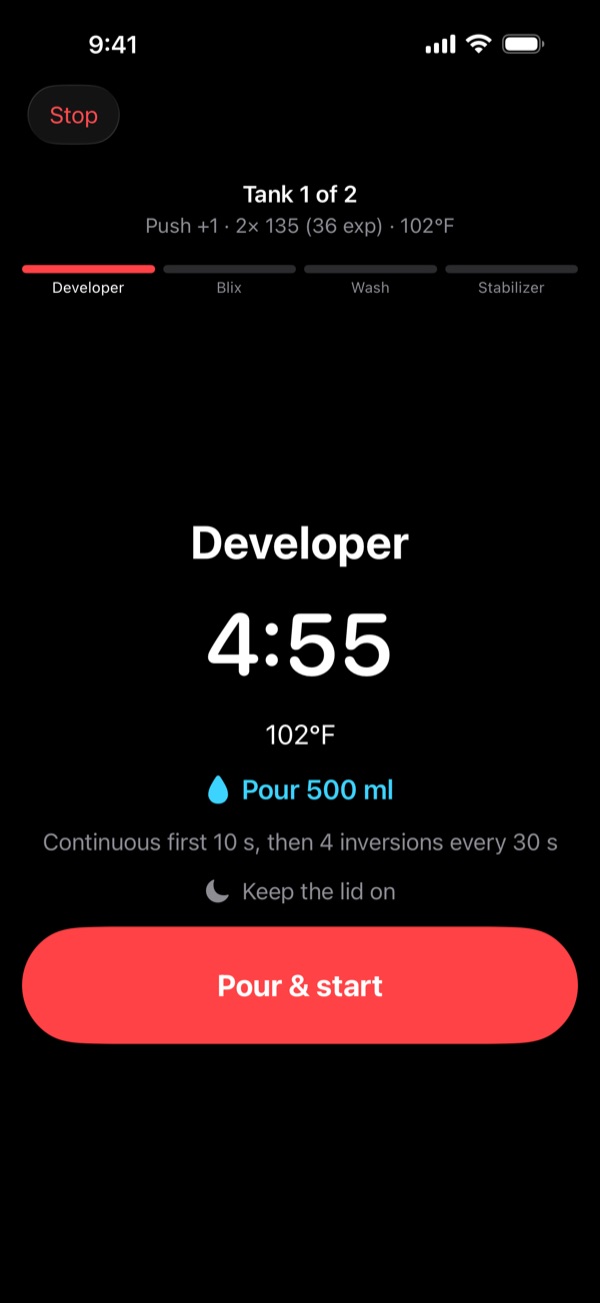
Pick your tank and C41 Pro tells you how much chemistry each bath needs. Presets for the Paterson Universal and eTone 2-reel tanks, adjustable for any tank.
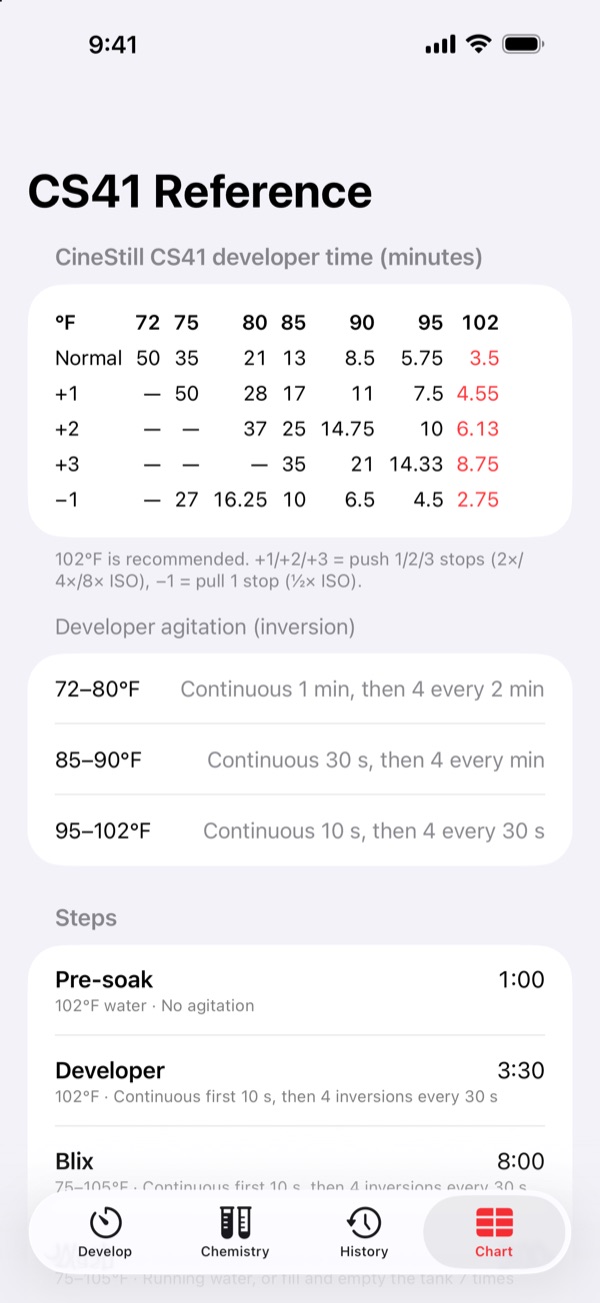
C41 Pro currently supports the CineStill CS41 2-bath kit only (liquid or powder). Other C-41 kits use different times and aren't supported yet. Includes the full CS41 time chart, mixing guide and troubleshooting tips.
Found a bug or have a question? Email xmx1024@gmail.com. Please include your iPhone model, iOS version, and what you were doing when the problem happened.
The CineStill CS41 kit only, liquid or powder. All times, agitation, reuse and capacity rules come from its instructions. Other C-41 kits use different times, so don't use C41 Pro with them yet. Support for more kits is planned.
Allow notifications for C41 Pro in Settings → Notifications. With the app open, cues are spoken aloud even when the ringer switch is off; turn the volume up.
Each time developer is reused, the kit's instructions extend the time by a percentage that depends on the batch size. The app applies this automatically using the rolls logged to the batch.
Choose your tank under Develop → Settings. The plan shows the volume for each bath. Leave an air gap so inversions can move the chemistry.
Yes. Add each roll with its push or pull, and the app splits them into tank loads, each with its own time. Pushed rolls go first by default so they get the freshest developer.
In History, swipe left on the run and tap Delete. The batch's usage and next developer time go back as if it never happened.
Only on your device. See the privacy policy.